Best AI Tools Names for Freelancers: A Complete Guide to Work Smarter and Grow Faster: Freelancing today is not just about having a skill. It is about how efficiently you use your time, how quickly you deliver quality work, and how well you manage multiple projects. This is where artificial intelligence tools have become a game changer.
A few years ago, freelancers had to spend long hours writing content, designing visuals, editing videos, or managing repetitive tasks. Now, with the help of AI tools, many of these tasks can be done faster, smarter, and with better results.
If you are a beginner, AI tools can help you get started quickly. If you are experienced, they can help you scale your work and increase your income. The key is knowing which tools to use and how to use them correctly.
In this guide, you will find some of the best AI tools names for freelancers across different categories. You will also understand how each tool helps in real freelancing work, along with practical guidance to use them effectively.

Table of Contents
Why Freelancers Should Use AI Tools
Before jumping into the tools, it’s important to understand their value.
AI tools help freelancers:
- Save time on repetitive work
- Improve output quality
- Generate ideas quickly
- Automate daily tasks
- Handle more clients without stress
In freelancing, efficiency directly affects your earnings. The faster and better you work, the more opportunities you can handle.

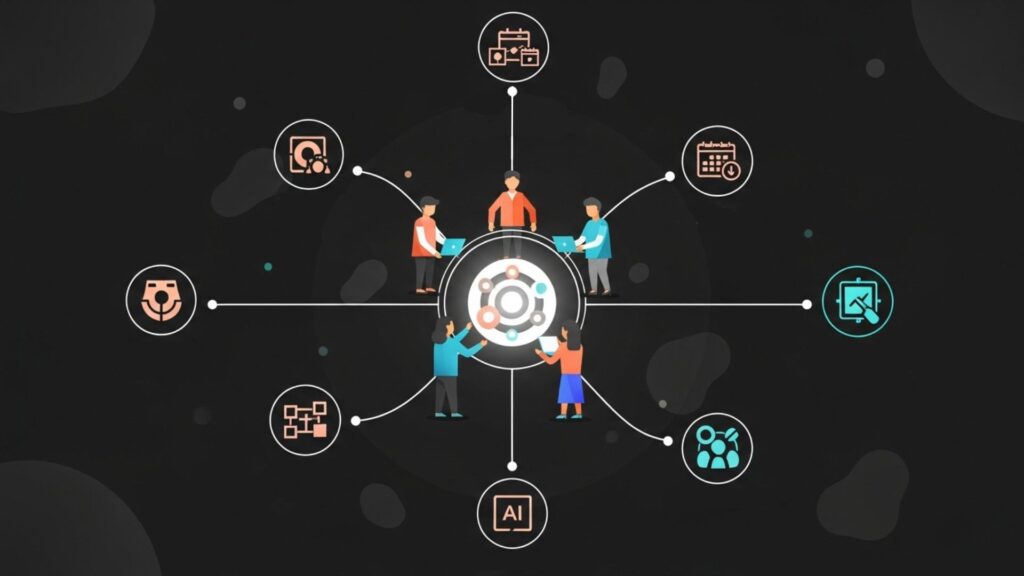
Best AI Tools for Freelancers (By Category)
Let’s explore the most useful AI tools freelancers can start using.
1. AI Writing Tools
Writing is a core part of many freelancing services such as blogging, copywriting, and communication.
Popular AI Writing Tools:
- ChatGPT
- Jasper AI
- Copy.ai
- Writesonic
How they help:
- Generate blog posts
- Create marketing content
- Draft emails and proposals
- Provide content ideas
These tools are extremely useful for overcoming writer’s block and speeding up content creation.
2. AI Grammar and Editing Tools
Even great content needs polishing.
Tools:
- Grammarly
- QuillBot
- Hemingway Editor
How they help:
- Correct grammar mistakes
- Improve readability
- Enhance clarity and tone
These tools ensure your work looks professional.
3. AI Graphic Design Tools
Design is important for branding, marketing, and content creation.
Tools:
- Canva AI
- Adobe Firefly
- Looka
How they help:
- Create social media posts
- Design logos and banners
- Generate visual ideas
Even beginners can create professional designs with these tools.
4. AI Image Generation Tools
These tools can create images from text prompts.
Tools:
- Midjourney
- DALL·E
- Leonardo AI
How they help:
- Generate unique images
- Create thumbnails
- Design custom visuals
This is very useful for content creators and designers.
5. AI Video Editing Tools
Video editing is time-consuming, but AI can simplify it.
Tools:
- Pictory
- Runway ML
- Descript
How they help:
- Edit videos automatically
- Add subtitles
- Convert text into video
Freelancers can complete projects much faster using these tools.
6. AI Voice and Audio Tools
These tools are useful for voiceovers and audio projects.
Tools:
- ElevenLabs
- Murf AI
- Play.ht
How they help:
- Generate realistic voiceovers
- Improve audio quality
- Create podcasts
7. AI Productivity Tools
Managing time and tasks is important for freelancers.
Tools:
- Notion AI
- ClickUp AI
- Trello with AI features
How they help:
- Organize tasks
- Plan projects
- Manage workflows
8. AI Coding Tools
For developers, AI tools can boost efficiency.
Tools:
- GitHub Copilot
- Codeium
- Tabnine
How they help:
- Suggest code
- Fix errors
- Speed up development
9. AI Marketing Tools
Marketing is important for finding clients and growing online presence.
Tools:
- Surfer SEO
- Frase
- Ocoya
How they help:
- Optimize content
- Plan marketing strategies
- Improve search rankings
10. AI Automation Tools
Automation saves time by reducing manual work.
Tools:
- Zapier
- Make (Integromat)
- Automate.io
How they help:
- Connect apps
- Automate repetitive tasks
- Improve workflow
How to Choose the Right AI Tools
With so many tools available, choosing the right ones can feel overwhelming.
Here’s a simple approach:
- Start with 2–3 tools
- Choose based on your niche
- Focus on tools that save time
- Avoid using too many tools at once
Keep it simple and practical.
How to Use AI Tools Effectively
AI tools are powerful, but using them correctly is important.
1. Use AI as Support
Don’t depend fully on AI. Add your own ideas.
2. Always Edit Output
Review and improve AI-generated content.
3. Focus on Quality
Speed is important, but quality matters more.
4. Keep Learning
New tools are coming regularly. Stay updated.
The Role of AI in Freelancing Growth
AI is not replacing freelancers. It is helping them become more efficient.
Freelancers who use AI:
- Complete work faster
- Handle more clients
- Deliver better results
- Earn more
Those who ignore AI may find it harder to compete in the future.
How to Get Freelance Jobs from Home – Read Here
Common Mistakes to Avoid
- Using AI without understanding it
- Copying content without editing
- Using too many tools at once
- Ignoring skill improvement
Avoid these mistakes to grow faster.

Final Thoughts
AI tools are changing the way freelancers work. They are not just optional anymore. They are becoming essential.
But remember, tools alone cannot make you successful.
Your success depends on:
- Your skills
- Your consistency
- Your mindset
Use AI tools wisely to improve your work and grow faster.

Freelancing is evolving, and those who adapt will stay ahead. AI tools give you the power to work smarter, not harder.
Start with a few tools, learn how to use them properly, and gradually improve your workflow.
With the right balance of skills and technology, you can build a strong and successful freelancing career.
Take action today, explore these tools, and move one step closer to your goals. If you have any doubt regarding this post, then comment in the comment box below and our team will answer your comments within a short time. Thank you for reading our post.
FAQs (Frequently Asked Questions)
Click Here and Read All FAQs
-
Which AI tool is best for beginners?
Chat-based AI tools and design tools like Canva AI are great for beginners.
-
Are AI tools free?
Many tools offer free versions, but advanced features are paid.
-
Can AI tools replace freelancers?
No, they assist freelancers but cannot replace human creativity.
-
How many AI tools should I use?
Start with 2–3 tools and expand as needed.
-
Can AI tools help increase income?
Yes, by saving time and improving productivity.