Best Laptop for Freelancers (Budget Guide): Complete Buying Guide for Smart Work: Choosing the right laptop is one of the most important decisions for any freelancer. Your laptop is not just a device. It is your office, your workspace, your earning tool, and your productivity partner.
Whether you are a content writer, graphic designer, video editor, web developer, or social media manager, your laptop directly affects how fast you work, how well you deliver projects, and how much you earn.
Many beginners make the mistake of buying either a very cheap laptop that cannot handle work or an expensive one that they don’t actually need. The smart approach is to choose a budget-friendly laptop that gives you the best performance for your work.
In this complete guide, you will learn how to choose the best laptop for freelancing, what specifications matter, and which budget laptops are worth considering. This guide is written in simple, user-friendly language so you can easily understand and make the right decision.
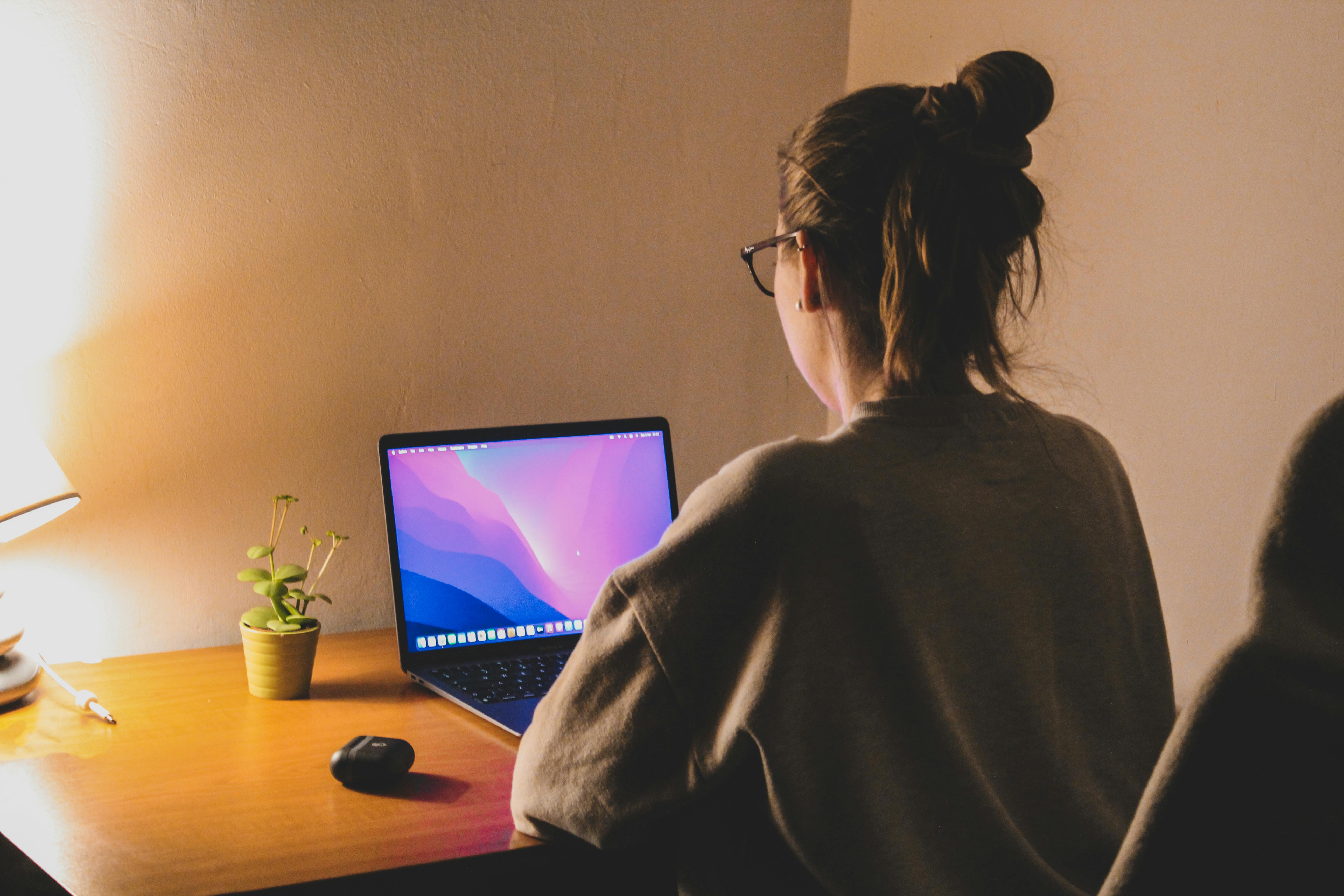
Table of Contents
What Freelancers Really Need in a Laptop
Freelancers have different needs compared to regular users.
You may:
- Work on multiple projects at once
- Use multiple tools simultaneously
- Handle large files
- Work for long hours
That’s why your laptop must be:
- Fast
- Reliable
- Comfortable to use
A good freelancer laptop should balance performance, battery life, and price.
Key Things to Check Before Buying a Laptop
Before looking at specific laptops, you must understand what really matters.

1. Processor (Brain of the Laptop)
The processor decides how fast your laptop works.
For freelancers:
- Minimum: Intel i3 / Ryzen 3
- Recommended: Intel i5 / Ryzen 5
Modern processors handle multitasking much better.
2. RAM (Multitasking Power)
RAM is very important for smooth work.
- Minimum: 8GB
- Recommended: 16GB
In 2026, 8GB is the basic requirement, but 16GB gives better performance for heavy tasks.
3. Storage (SSD is Must)
Always choose SSD, not HDD.
- 256GB SSD → Basic work
- 512GB SSD → Recommended
SSD makes your laptop fast and responsive.
4. Display Quality
Freelancers spend long hours on screens.
Look for:
- Full HD display
- Good brightness
- Comfortable viewing
Good display reduces eye strain and improves productivity.
5. Battery Life
If you work from different places:
- Minimum: 6 hours
- Ideal: 8–10 hours
Freelancers need mobility and flexibility.
6. Build Quality and Portability
A lightweight laptop is easier to carry.
- Ideal weight: under 1.8 kg
- Strong build for long-term use
Best Budget Laptops for Freelancers
Now let’s look at some of the best budget options available.
Best Overall Budget Laptop
This laptop is perfect for most freelancers. It offers a good balance of performance, design, and affordability. It is suitable for writing, design, basic editing, and multitasking.
Best for Basic Freelancing Work
This is a great choice if you are just starting freelancing. It handles basic tasks like writing, browsing, and communication smoothly.
Best Value for Money Laptop
Dell laptops are known for reliability. This one is good for multitasking and moderate workloads.
Best for Mid-Level Freelancers
This is ideal if you are handling multiple clients or tools at once.
Best Budget Option (Low Cost)
Good for beginners with a very tight budget, but not suitable for heavy work.
Best Online Skills to Learn in 30 Days – Click here
PRODUCT COMPARISON TABLE
| Feature | ASUS Vivobook Go 14 | HP 15 Ryzen 3 | Dell Inspiron 3530 | Lenovo IdeaPad Slim 3 | Acer Aspire 3 |
|---|---|---|---|---|---|
| Performance | High | Medium | High | Medium-High | Low |
| RAM Support | Up to 16GB | 8GB | 16GB | 16GB | 4GB |
| Storage | SSD | SSD | SSD | SSD | SSD |
| Best For | All freelancers | Beginners | Long-term use | Multitasking | Basic work |
| Price Range | Mid | Budget | Mid | Budget | Low |
Which Laptop Should You Choose?
Choose based on your work:
- Content writing / data entry → Budget laptops are enough
- Graphic design / editing → Mid-range laptops recommended
- Coding / multitasking → At least 16GB RAM
Avoid buying the cheapest laptop if you plan to grow.

Common Mistakes to Avoid
- Buying too cheap laptop
- Ignoring RAM and SSD
- Choosing old processors
- Not thinking long-term
Avoid these mistakes to save money and frustration.

Final Thoughts
Your laptop is your investment in freelancing.
You don’t need the most expensive machine. You need the right machine.
Focus on:
- Performance
- Reliability
- Long-term usability
A smart purchase will help you work better and earn more.

Freelancing success depends on the tools you use and how efficiently you use them. A good laptop can save you time, reduce stress, and improve your work quality.
Choose wisely, invest smartly, and think long-term.
The right laptop is not just a purchase. It is the foundation of your freelancing journey.
Start with what fits your budget, keep improving your setup, and grow your career step by step. If you have any doubt regarding this post, then comment in the comment box below and our team will answer your comments within a short time. Thank you for reading our post.
Frequently Asked Questions
Click to View All Faqs
-
Which laptop is best for beginners?
A budget laptop with Ryzen 3 or i3 and 8GB RAM is good.
-
Is 8GB RAM enough?
Yes for basic work, but 16GB is better for multitasking.
-
Do freelancers need a powerful laptop?
Depends on your work. Basic tasks don’t need high power.
-
Is SSD necessary?
Yes, SSD is very important for speed.
-
Can I do video editing on a budget laptop?
Light editing is possible, but heavy editing needs better specs.